Inventory management,
on autopilot.
Setup takes under 5 minutes. The system starts learning immediately. By week 4, you stop thinking about inventory.
Connect Square & import suppliers
One OAuth click connects your Square POS. Previo imports your full sales history, menu catalogue, and 90 days of data instantly. Then add your suppliers: name, email, category. Import them in bulk or one by one. Takes 3 minutes.
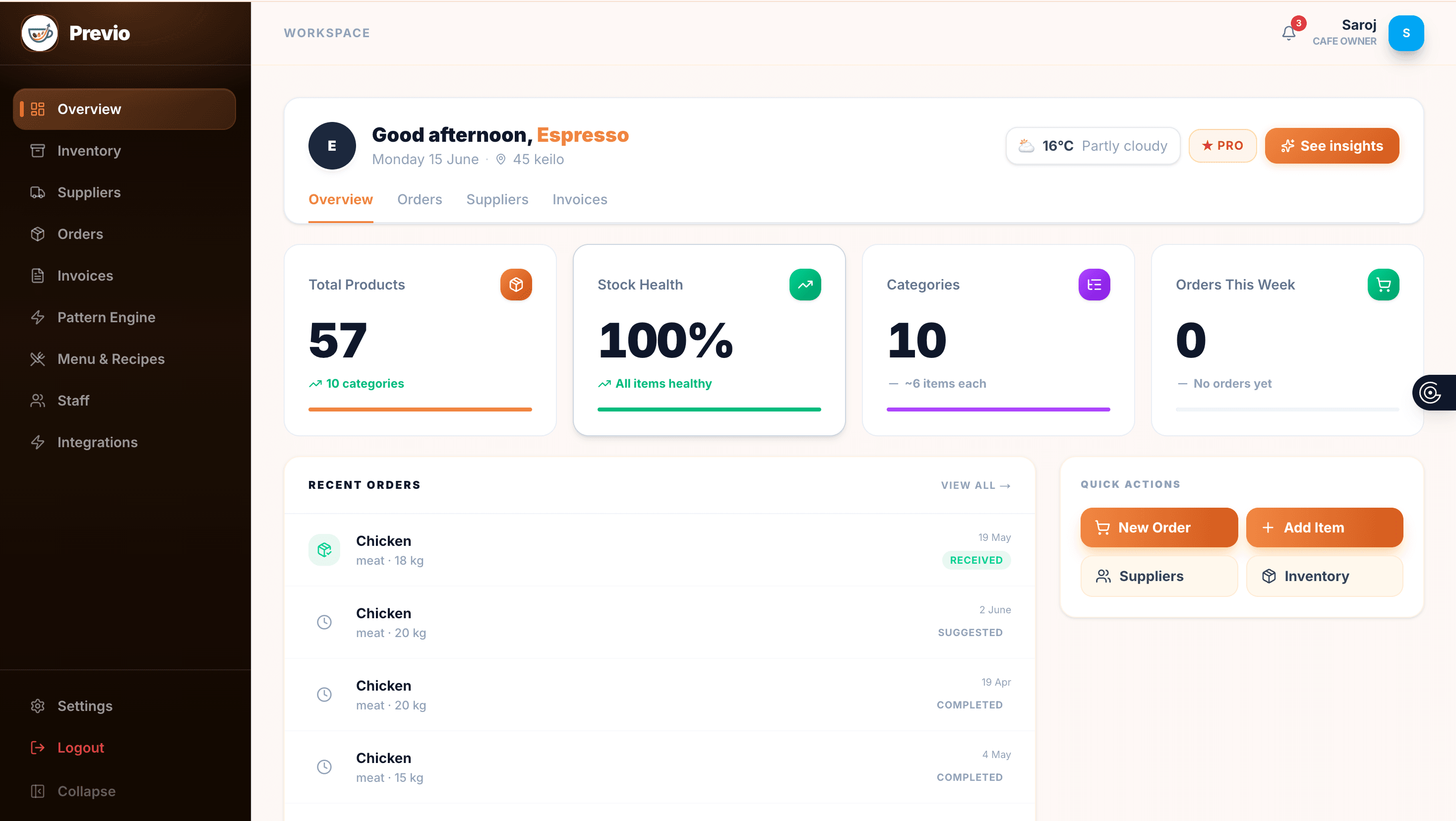
Map your menu to your stock
Link Square menu items to physical ingredients: "Flat White = 18g espresso + 200ml milk." AI can generate your full menu recipe list in 2 minutes using your existing inventory. Once mapped, every sale automatically depletes the right ingredients.

Watch stock track itself
From this point every sale, delivery, and waste log moves the same live number. No spreadsheet, no manual count reconciliation. The Pattern Engine starts learning underneath it from day one, covered next.

How Previo decides what to order
Not a black box. Here is exactly what happens between a sale and a suggestion.
Seed with your answers
Your onboarding questions (coffees per day, peak days) give the engine a real starting baseline before a single sale has synced.
Learn the pattern
After about 30 days of real Square and Uber Eats sales, a Holt-Winters forecasting model picks up your day-of-week rhythm and longer trend, and flags one-off spikes as anomalies so a single freak Tuesday doesn't skew the baseline.
Adjust for context
Public holiday proximity and forecast weather each apply a multiplier on top of the baseline. A rainy Saturday or the run-up to a long weekend shifts the suggestion before you even ask.
Calibrate from what actually happens
Waste you log and stockouts you hit feed straight back into the model, tightening the buffer over time. The longer you use Previo, the sharper the next suggestion gets.
Delivery orders, same rules as the counter
Included on the Pro plan alongside Square. Here is how the two channels stay in sync.
Connect once
Authorise through Uber's own login screen from Settings. Previo never sees your Uber Eats password, only a scoped order-and-status token.
Sales deplete stock automatically
Every Uber Eats order maps to the same recipes as your in-store menu, so an ingredient is subtracted exactly once no matter which channel sold it.
One inventory number, one order history
Counter sales, Uber Eats orders, waste logs, and manual counts all reconcile into the same stock figure and the same Orders screen. No separate delivery spreadsheet to keep in sync.
What every day looks like
Ready to save $500/week?
Join Melbourne hospitality venues using Previo to eliminate waste and automate their ordering.
Get started for free